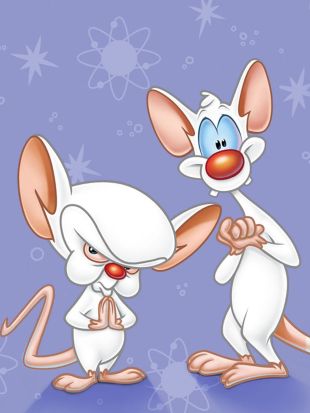
“Are you pondering what I’m pondering?”
Three algorithms. Seventy-plus Pinky responses. One canvas. How do you fit a quote?
About Pondering
“Gee Brain… what do we do tonight?”
“Gee Brain, what do you want to do tonight?” “Same thing we do every night, Pinky — try to take over the world!”
This app features Pinky’s legendary non-sequitur replies to Brain’s opening question.
Click anywhere on the canvas for the next response. Each click is guaranteed fresh — the app
tracks every index shown and never repeats until all 70+ responses are exhausted, then starts
again. Narf!
The real programming lesson is how the font size is
calculated. The three radio buttons switch between three different algorithms.
Use the same long or short response with each method and compare the output. The stats panel
below the canvas shows the live character count and computed font size on every click.
Map — partitions msg.length into three length
buckets and maps each to a font-size range. Fast, but the bucket boundaries are guesses.
Root — divides canvas width by
Math.round(Math.sqrt(numChars)). Compresses gracefully:
4× more characters → only 2× smaller font.
Also plays the grow-and-rotate animation.
Loop — starts at fontSize 120 and shrinks until
p5.js textWidth() reports the text fits.
Most accurate because it measures rendered pixel width, not just character count.
 Pondering