Pen up
Move the mouse into the canvas.
Press a mouse button to draw.
Experiment with settings.
| 'Mileage' | Hue | Radius |
|---|---|---|
| 0 | 0 | 0 |
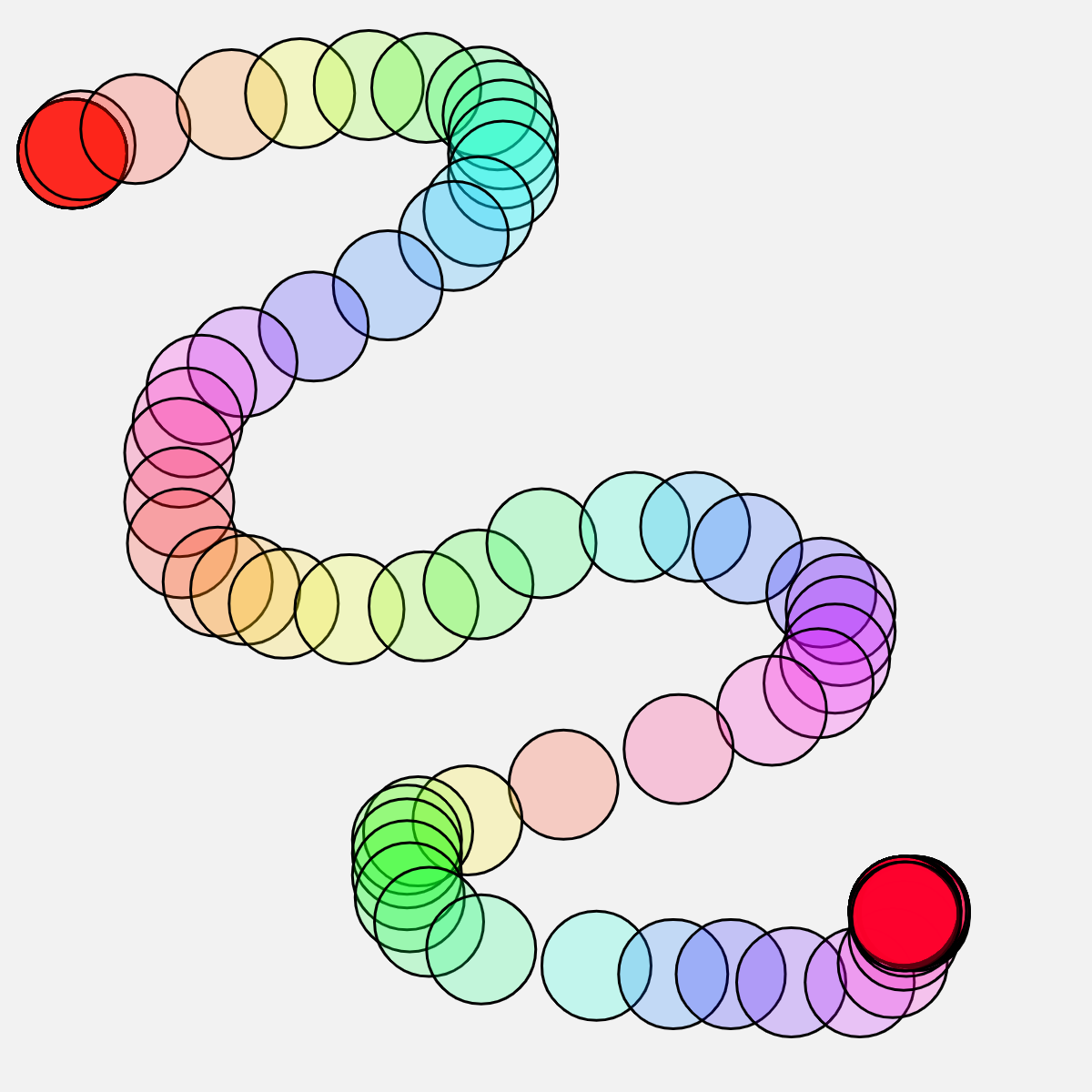
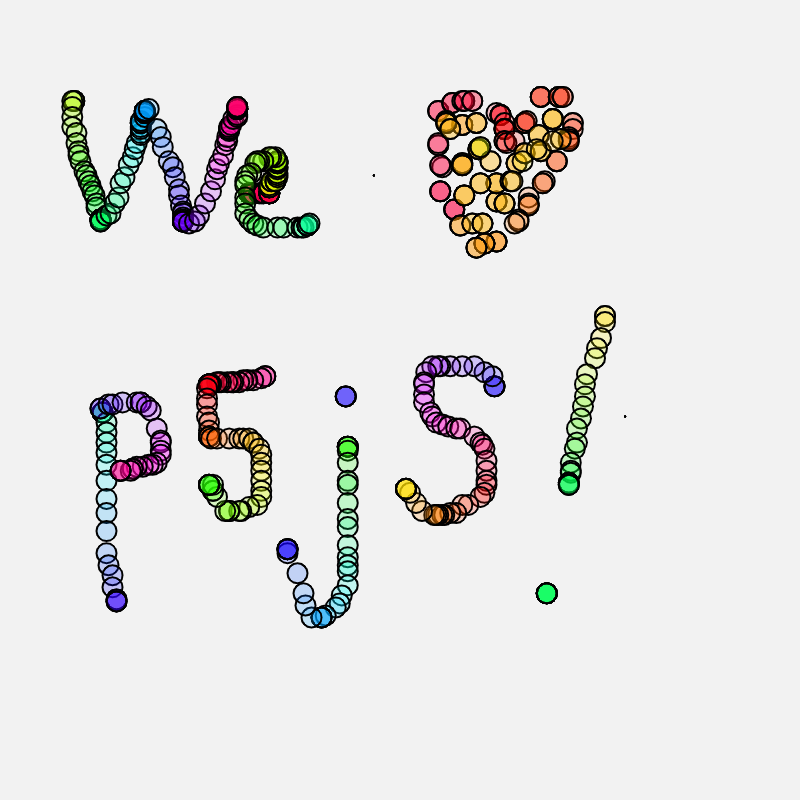
In 2019-20 we were just beginning to experiment with p5js and in an older version of TNT, we featured a more primitive app, Rainbow Tube.
Since then, we've made some progress and this year's novices are spiffing up that app, as you can see. Some improvements:
onload="myInit();" attribute in the body tag of the web pagemouseWheel function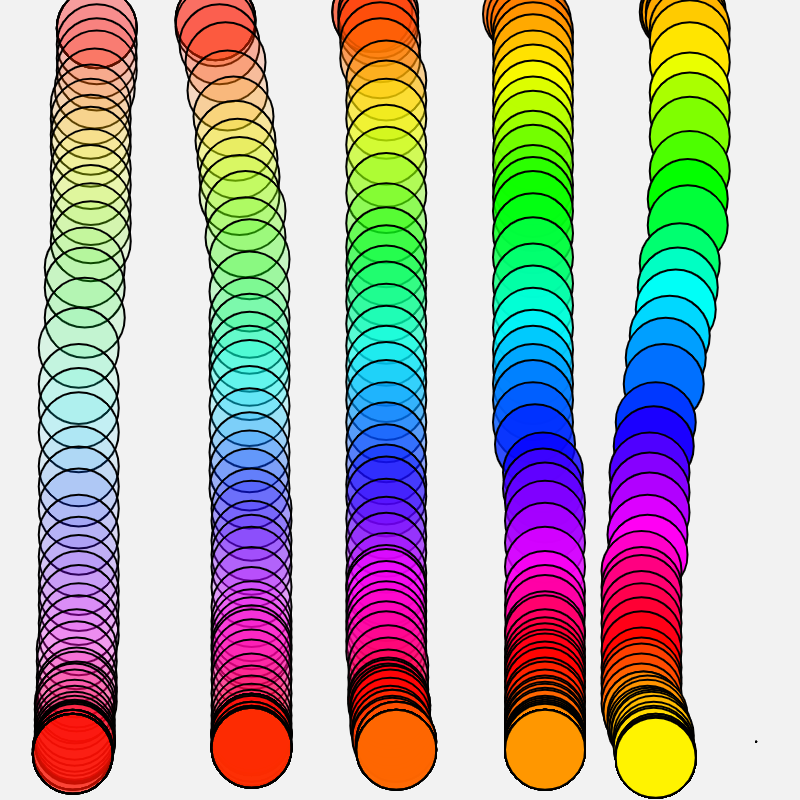
If you dive into the code you'll notice that a command:myDistance += dist(mouseX, mouseY, pmouseX, pmouseY);
accumulates the distance between where the mouse currently is and where it's been (pmouseX → 'previous mouseX'). That value, myDistance ('Mileage' in the table) is used to change the 'hue' of myColor. It does this using the % operator, aka 'modulus operator' using the command: myHue = myDistance % 360;
What this does is it divides myDistance by 360 and returns the remainder. For any value of myDistance above 360, myHue cycles back to zero.
When the canvas is 400px tall, you'll notice that a vertical tube starting with red cycles back to red near the bottom of the canvas and restarts its ROYGBIV adventure!
We like using an HSB color mode (hue, saturation, brightness) with p5js. You can check out our color wheel to see what hues give what colors. (Red, at the top of the color wheel, has hue = 0. Other colors take on values in [0, 360°] as you move clockwise around the wheel).
If you want to design your own colors, check out Heath's Color Sliders which shows the interconnection between HSB and RGB color modes.
Pen up
Move the mouse into the canvas.
Press a mouse button to draw.
Experiment with settings.
| 'Mileage' | Hue | Radius |
|---|---|---|
| 0 | 0 | 0 |